Recommended path: the AgentBees GitHub App
The GitHub App is the default and the recommended way to connect. You install the App on your GitHub org, pick which repos to grant, and AgentBees mints a scoped, one-hour installation token per task on your behalf. No token to create, copy, or paste; nothing long-lived is stored on your side or ours.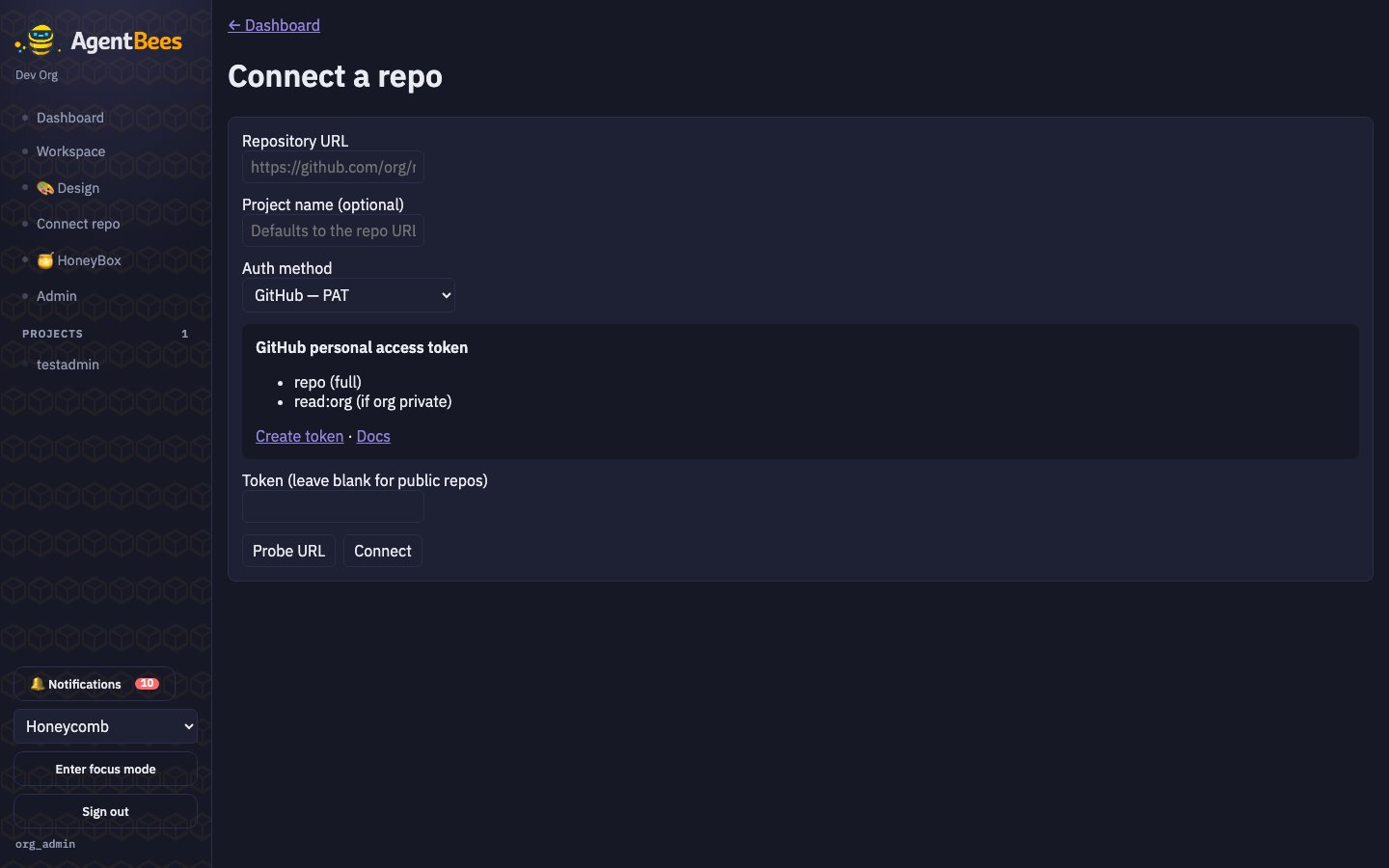
Connect a repo — the AgentBees GitHub App is the default auth method.
1
Open Connect a repo
Dashboard → Connect a repo (also linked in the sidebar).
2
Confirm the App path is selected
Auth method defaults to
GitHub — App installation. You’ll see an AgentBees GitHub App
card explaining what happens next.3
Click Connect with GitHub
You’re taken to
github.com/apps/agentbees/installations/new.4
Pick your org and grant repos
Choose the org you want to install the App on, and select either All repositories or Only
select repositories (recommended — pick just the repos you want AgentBees to work on).
5
Pick a repo
GitHub sends you back to AgentBees. You land on a picker showing exactly the repos you just
granted. Click Pick on one — this creates the project and lands you on it.
The App requests these permissions
Nothing else. Actions, Issues, secrets, workflow files, deployments — all
No access. AgentBees cannot read or write anything the four rows above
don’t cover.
Not using GitHub? PAT / OAuth / GitLab still work
The Auth method dropdown lists all supported providers:- GitHub — Personal Access Token — legacy path. Prefer a fine-grained token scoped to one repo over a classic PAT.
- GitHub — OAuth — for automation.
- GitLab — Personal Access Token — for GitLab repos.
- GitLab — OAuth — for GitLab automation.
Managing existing connections
The top of the Connect a repo screen shows an Existing connections list — every credential AgentBees can use to clone or push, with a Disconnect button per row:- GitHub App installation — one row per org you installed the App on.
- GitHub personal access token — one row per PAT you stored.
- GitHub OAuth / GitLab PAT / GitLab OAuth — as applicable.
Public repos
Public repos need no credential — the workspace clones them anonymously. Only private repos
and pushes require an auth path. If your project is public and you never push back, you don’t
strictly need a connection.
How credentials are used at runtime
- GitHub App path: each task dispatch mints a fresh installation token
scoped to just that task’s repo (
repositories: [owner/name]) with only the four permissions above. TTL ≈ 1 hour. Never persisted — the pod gets a copy inside its ephemeral environment; nothing is written back. - PAT / OAuth path: the stored ciphertext is decrypted just before
dispatch, handed to the pod as
x-access-token:<secret>in a git credential helper, and never re-emitted.